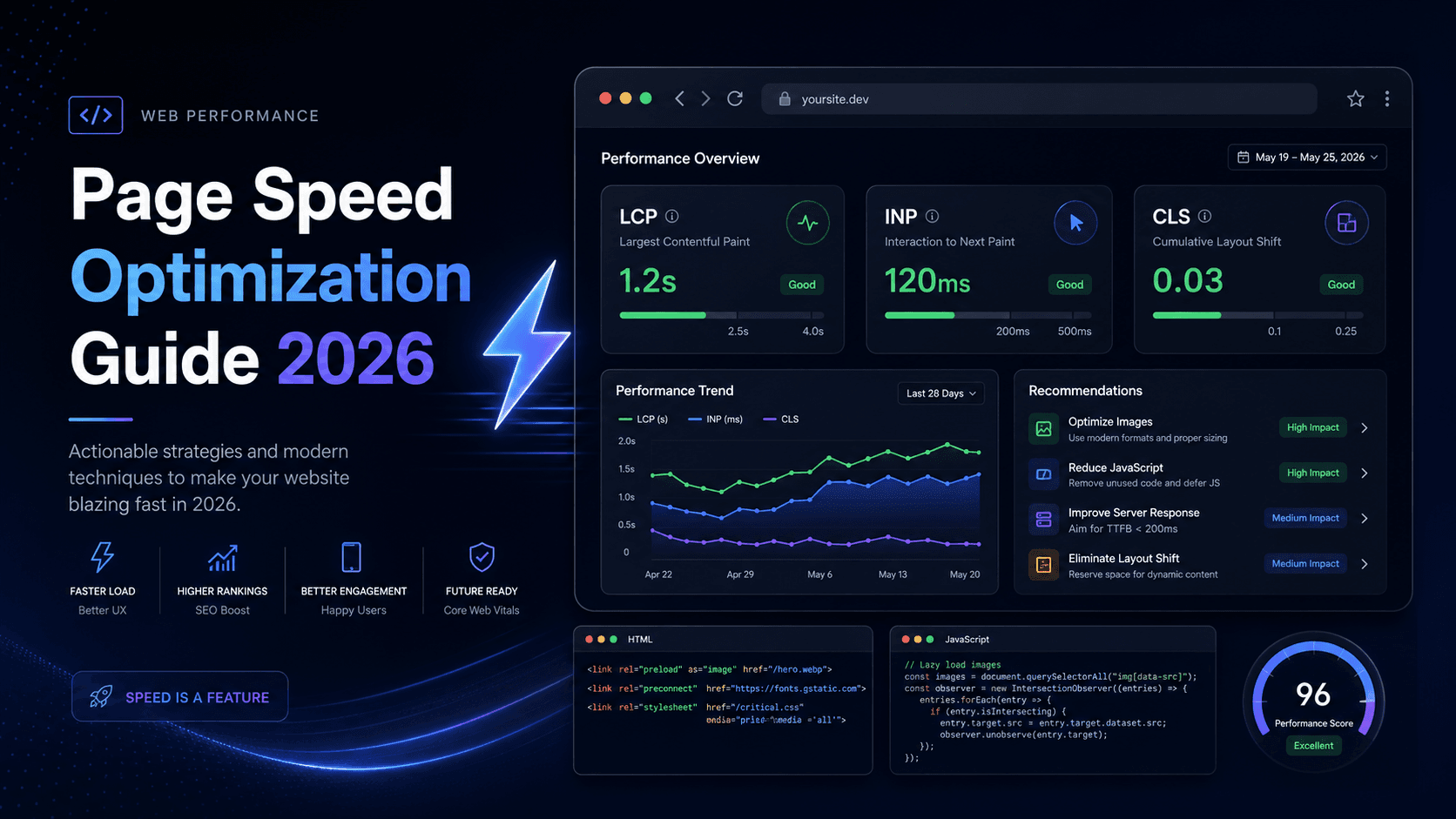
Page Speed Optimization Guide 2026: Improve LCP, INP and CLS
Learn practical page speed optimization techniques for 2026 with Core Web Vitals, image optimization, JavaScript performance, caching, fonts, third-party scripts, and real code examples.

Learn practical page speed optimization techniques for 2026 with Core Web Vitals, image optimization, JavaScript performance, caching, fonts, third-party scripts, and real code examples.

In this tutorial, you'll learn how to handle loading states in your applications to improve perceived performance and user experience. We’ll cover traditional spinners, skeleton screens, and the modern Shimmer UI approach, including how to implement Shimmer UI in your frontend stack.

This article walks you through Laravel 12’s new withExceptions API, showing you how to centralize and customize every aspect of error handling—from routing and logging exceptions to different channels, setting custom log levels, and suppressing unwanted errors; to defining render callbacks that return tailored JSON or Blade views; to embedding report() and render() logic directly in your own exception classes; and finally publishing and styling your error pages. It’s a compact blueprint for making your app’s exception workflow both powerful and perfectly aligned with your project’s needs.

Shopify Section Rendering API is a powerful tool that allows you to load dynamic sections on your store. This article will show you how to use it to create a custom section that can be loaded on any page of your store.

This article will show you how to exchange a Shopify session token for an access token with GraphQL. This is useful if you want to use the Shopify Admin API with a Shopify session token. This is a common use case when you are building a Shopify app. The Shopify Admin API requires an access token to make requests. However, when you authenticate a user with Shopify, you get a session token. This session token is not the same as an access token. You need to exchange the session token for an access token to make requests to the Shopify Admin API.

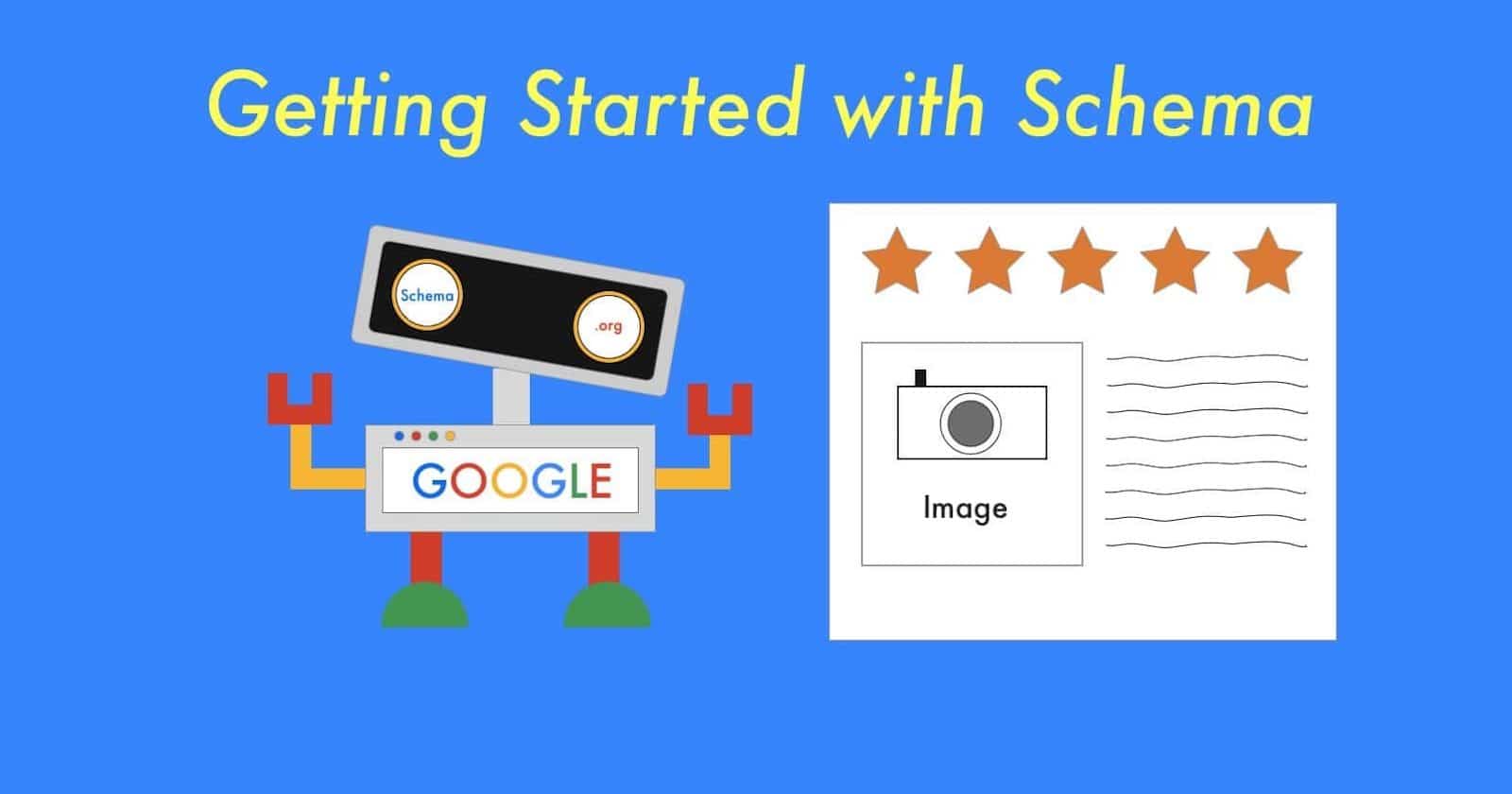
Search Engines like Google, Bing, Yahoo, etc. has their own algorithms to rank the web pages. They consider many factors like content, keywords, website speed, etc. to rank the web pages. You can optimize your website to rank higher in search engines by following some SEO techniques. they go through the content of the page and try to understand the context of the page. You can help them by providing explicit clues about the meaning of a page, by including schema structured data.

While I was building my personal website (This Website), I read many articles about nextjs project setup and architecture that is scalable. while there are many options available out there, I choose the architecture for my website that is not very complex but scalable. I thought I should share this with other developer as well who are looking for a scalable architecture solution for their nextjs project. If you find this tutorial helpful, please share it with your friends and colleagues! Don't forget to follow me :-)

Lognitor is a comprehensive log management and monitoring solution that offers a wide range of features to help you manage your logs effectively. With Lognitor, you can easily collect, analyze, and visualize your logs in real-time, making it easier to identify and troubleshoot issues in your applications.
View project